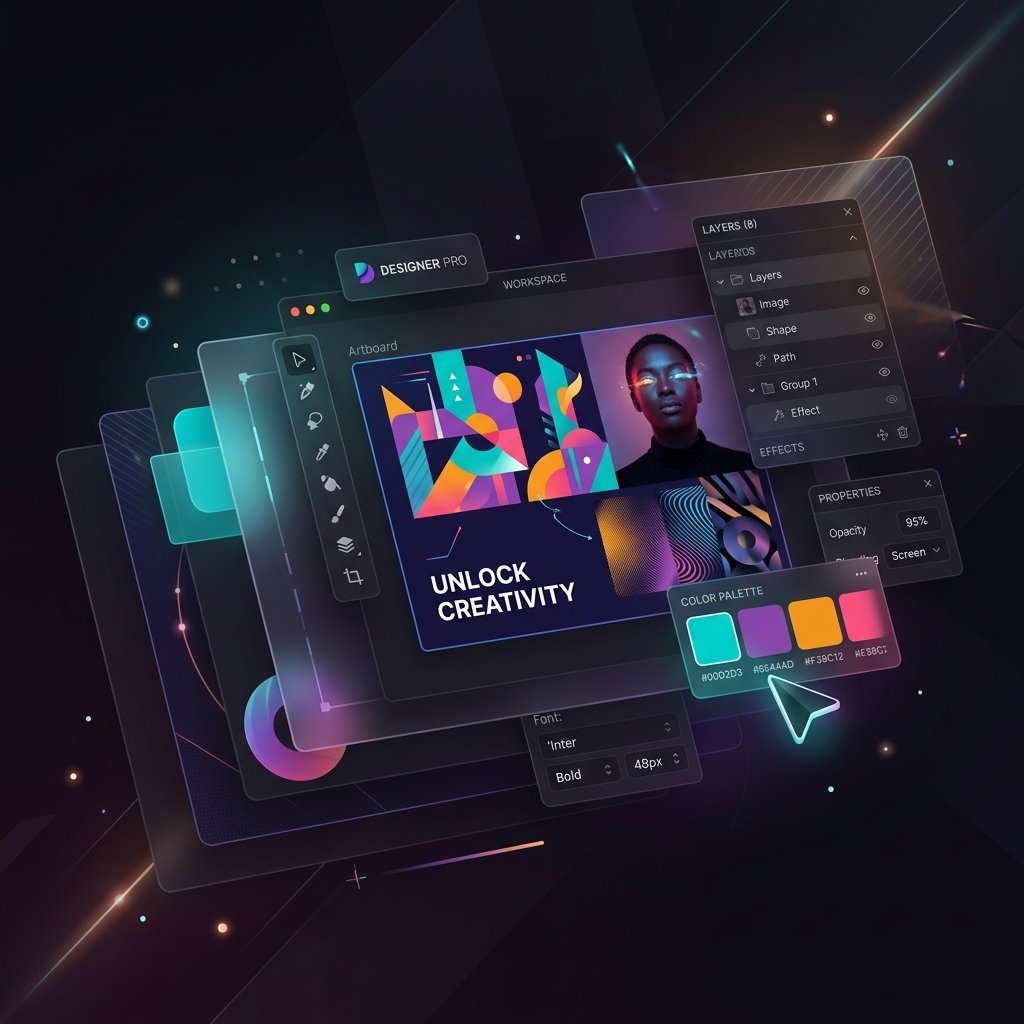
Pro Graphic Studio

A comprehensive graphic design suite directly in your browser. Create layouts, manipulate photos, and structure professional assets with layer hierarchy, custom typography, vector tools, and AI enhancements.

Layer Support Zoom & Pan Share Workspaces
100%
Canvas: 800 x 500 px | No Selection
X: 0, Y: 0
Layers Panel

Professional Image Editing

Powerful tools to manipulate graphics directly in your browser.

Layer Support

Manage multiple objects, images, and text independently with a full layer system.

Vector Graphics

Add and manipulate scalable vector shapes without losing quality.

High-Res Export

Export your designs in high quality PNG format suitable for professional use.

Typography

Add and style text with various fonts, colors, and formatting options.

Filter Effects

Apply real-time filters to your images to get the perfect look.

Non-Destructive

All edits are non-destructive and can be modified or removed at any time.

Frequently Asked Questions

Everything you need to know about the Pro Image Studio.
Can I edit my own photos?
Yes! Use the upload button in the toolbar to import your own images onto the canvas.
Are there any limits on export size?
The editor exports at a high quality pixel ratio suitable for social media and web graphics.
Can I use custom fonts?
Yes, you can select from a wide range of pre-loaded Google Fonts to use in your designs.
Does it work on mobile devices?
While we recommend a desktop browser for complex edits, basic editing is supported on mobile devices.
Is there a cost to use the Pro Editor?
No, all tools on ApiTooler, including the Pro Image Studio, are completely free to use.